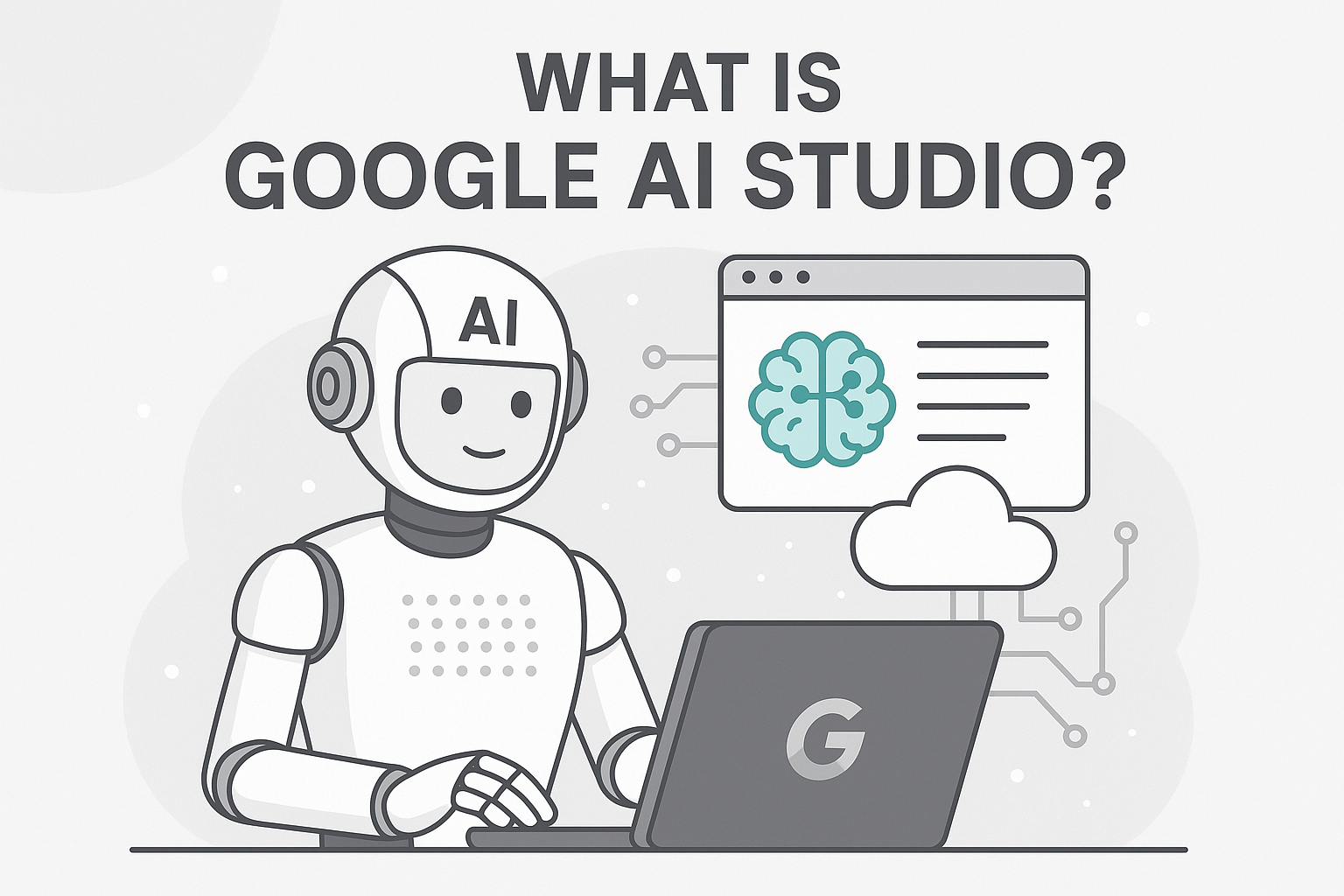
What Is Google AI Studio
AI tools are growing fast, and developers want a simple way to build, test, and launch AI features without needing complex setups.
Google noticed this need and introduced a clean, developer-friendly platform called Google AI Studio.
If you have ever wanted to experiment with AI, generate content, create chat applications, test prompts, or build AI-powered products without writing huge amounts of code, Google AI Studio is designed exactly for that.
This guide explains what Google AI Studio is, how it works, why it matters, and how you can start using it in minutes.
Everything is written in a simple, clear, conversational tone so anyone can follow along.
What Is Google AI Studio
Google AI Studio is a web-based platform created by Google that allows developers, creators, and businesses to build and test AI models using Gemini.
You can think of it as Google’s workspace for creating AI-powered applications.
It provides tools for:
Prompt writing
Model testing
API key generation
Fine tuning
Content generation
Chatbot logic
Image and text processing
Multi-modal tasks
The best part is that you do not need to be an advanced coder to use it.
Google AI Studio makes the entire workflow simple and visual, so even beginners can build AI use cases quickly.
Why Google Introduced AI Studio
Google released Gemini, a family of powerful AI models.
To help developers actually use Gemini, Google needed a platform that makes:
Testing easier
Building faster
Integration smoother
Collaboration simpler
Google AI Studio became the central place where anyone can use Gemini without a complicated setup.
It solves major problems for developers:
No need to install software
No need for expensive hardware
No long setup required
No heavy API documentation reading
No complex coding required for basic tasks
You open the tool, enter a prompt, choose a model, and start building.
Who Can Use Google AI Studio
People often assume this tool is only for developers, but that is not true.
Here is who can use Google AI Studio easily:
Product builders
AI researchers
Students
Designers
Data analysts
Marketers
Startup teams
Copywriters
Educators
Developers
Businesses exploring AI
Anyone who wants to test AI ideas or create AI features can use the platform.
Key Features of Google AI Studio
Here are the most important features of the platform, explained in simple language.
1. Prompt Editor
This is where you type your questions, instructions, or ideas.
You can test different prompts, compare outputs, and adjust them until you get the right result.
2. Access to Gemini Models
Google AI Studio supports multiple versions of Gemini.
These models help with:
Writing content
Understanding images
Analyzing data
Coding
Answering questions
Summarizing
Generating ideas
You choose a model, send a prompt, and get instant output.
3. Multi-Model Support
Gemini models can understand both text and images.
You can upload a picture and ask the model to explain it, extract information, or generate ideas from it.
4. JSON Mode for Developers
If you want structured output, you can generate responses in JSON format.
This is helpful when integrating AI into apps or automation workflows.
5. API Key Creation
Google AI Studio lets you generate API keys quickly.
This means you can connect Gemini to:
Web apps
Mobile apps
Backend services
Automation tools
Chatbots
SaaS tools
No complicated setup needed.
6. Quickstart Code Snippets
The tool auto generates code samples for:
Python
JavaScript
Node.js
Dart
You copy, paste, and start building.
7. Data Safety Controls
You can decide whether your data can be used to improve models.
This ensures privacy and control.
How Google AI Studio Works
Here is the simple flow of how you use the tool.
Step 1: Open the Workspace
Go to Google AI Studio in your browser.
No installation required.
Step 2: Choose a Gemini Model
Depending on your task:
Gemini Pro
Gemini Flash
Gemini Ultra (when supported)
Different models offer different speeds and capabilities.
Step 3: Enter a Prompt
Explain your task clearly.
For example:
Write a blog outline about travel tips
Explain quantum computing in simple language
Analyze this image and describe the objects in it
Suggest marketing ideas for a bakery
The tool responds instantly.
Step 4: Adjust and Test Prompts
You can test different:
Styles
Instructions
Lengths
Tones
Constraints
This helps you craft the perfect prompt for your needs.
Step 5: Export API
Once you like the results, you generate an API key.
Then you integrate it into your website, app, or automation.
Step 6: Deploy Your AI Feature
This could be:
A chatbot
A writing tool
An image analyzer
A coding assistant
A summarizer
A business automation tool
Google AI Studio makes the development process smooth and simple.
Examples of What You Can Build Using Google AI Studio
To help you understand the platform better, here are real examples.
1. AI Chatbot for Customer Support
Provide responses to FAQs
Handle common queries
Integrate into website or WhatsApp
Reduce support workload
2. Blogging and Content Assistant
Generate blog titles
Create outlines
Write SEO content
Rewrite pages
Summarize articles
3. Image Interpretation Tool
Upload an image
Ask AI to analyze objects
Generate descriptions
Extract insights
4. Code Generator
Ask the model to write Python scripts
Debug errors
Explain code
Generate documentation
5. Social Media Caption Generator
Enter your product
AI creates captions in different styles
Perfect for marketing teams
6. Business Automation AI
Create workflows using Gemini responses
Automate emails
Automate reports
Automate CRM tasks
Benefits of Google AI Studio
Let us break down the most important advantages.
1. Beginner Friendly
The interface is simple and clean.
You do not need technical experience to use it.
2. Fast Development Time
You can build an AI idea in minutes instead of weeks.
3. Built on Gemini Models
You get access to Google’s newest and most powerful AI technology.
4. Multi Modal Abilities
Text plus image support makes the tool flexible for many industries.
5. Easy API Integration
You can use the Gemini API in your applications without heavy coding.
6. Affordable
There is a cost effective plan with generous usage for beginners.
7. Ideal for Prototyping
Startups can bring ideas to life quickly and test them with real users.
Limitations of Google AI Studio
Even though it is powerful, it has a few limitations.
Some advanced features require coding
Complex apps need backend development
Image processing may have limits depending on the model
Large scale enterprise apps require cloud infrastructure
Who Should Use Google AI Studio
Here is the short answer:
Everyone who wants to build something with AI.
But specifically, it is perfect for:
Developers
Product designers
Startup founders
Agencies
Students
Researchers
Content creators
Automators
Educators
Small business owners
If you want to build AI powered features without struggling with setup, this platform fits your needs.
Google AI Studio vs ChatGPT Playground
Many people compare these two tools.
Here is the simple difference.
ChatGPT Playground
Focused on OpenAI models
Strong for text operations
Simple interface
Google AI Studio
Focused on Gemini models
Supports text plus image
Stronger integration with Google Cloud
Great for developers
Both platforms are useful.
Your choice depends on the model you prefer.
Future of Google AI Studio
Google plans to expand the platform with:
More Gemini model versions
Better multi modal features
Advanced fine tuning
Stronger coding tools
Collaboration features
Integration with Google Cloud
Automated workflows
The platform will become even more important for developers building AI apps.
Conclusion
Google AI Studio makes it incredibly simple to build AI powered apps, test prompts, generate API keys, and experiment with Gemini models.
It is beginner friendly, developer friendly, and powerful enough for advanced use cases.
If you are exploring AI development, Google AI Studio is one of the best tools available today.
It helps you build quickly, test ideas smoothly, and launch AI features without the stress of complicated setup.