Infographics have become one of the most effective communication tools of the digital era.
Whether you want to simplify research, teach a concept, present business data, or create engaging social media visuals, an infographic helps you translate ideas into something people can understand instantly.
But designing these visuals manually can be slow, especially if you are not a professional designer.
That is where Napkin AI comes in. Napkin AI has gained popularity for its ability to turn text into structured, clean, easy to understand visuals in seconds.
You describe your idea, and Napkin AI arranges it into an infographic that looks professional and polished.
This guide explains everything you need to know to create your own infographics using Napkin AI, even if you have never designed anything before….
Introduction to Napkin AI Platform
Napkin AI is a visual thinking and diagramming tool powered by artificial intelligence. It helps users convert ideas, outlines, and information into diagrams, flowcharts, mind maps, and infographics automatically.
Think of it as a personal designer who reads your thoughts and transforms them into clear graphics.
It works especially well for users who need:
Quick diagrams
Concept maps
Strategy visuals
Learning aids
Reports
Business frameworks
Social media infographics
According to a user survey on Product Hunt, more than 68% of Napkin AI users say it helps them reduce brainstorming and diagram creation time by over 50 percent.
That statistic alone shows why many professionals prefer using Napkin AI for fast visual creation.
Why Napkin AI Is Useful for Infographics
You can create infographics manually in tools like Canva, Figma, Illustrator, or PowerPoint. But those tools still require design work, alignment, shape selection, and layout adjustments.
Napkin AI removes all that effort.
It arranges content automatically.
It creates spacing automatically.
It chooses structure automatically.
It organizes information automatically.
This is especially helpful in education, data analysis, digital marketing, business strategy, and social media content creation.
One user on Reddit described Napkin AI by saying:
“It feels like brainstorming with someone who instantly turns your ideas into visuals that make sense.”
This accuracy makes Napkin AI a favorite for quick infographic creation.
Benefits of Creating Infographics with Napkin AI
Here are the biggest advantages for US and UK audiences who rely on fast content creation.
Simplifies complex information
Infographics help break down large topics into small, easy segments. Napkin AI handles the structure so you can focus on the message.
Saves hours of design work
A task that used to take 1 to 3 hours can now take under a minute.
Improves engagement
Studies from HubSpot show that visual content gets shared 2.3 times more than text only content.
Ideal for education and training
Teachers, coaches, and consultants use Napkin AI to explain concepts visually.
Consistent and clean aesthetic
Napkin AI visuals use a simple, modern, minimalistic design language that improves readability..
How Napkin AI Works Behind the Scenes
Napkin AI uses natural language interpretation combined with layout prediction models. These models read your text and determine:
Hierarchy
Grouping
Direction
Structure
Spacing
Logical flow
The AI identifies how your information should be displayed and chooses the best diagram type based on meaning.
This process is similar to what designers refer to as content architecture, visual hierarchy, and spatial optimization.
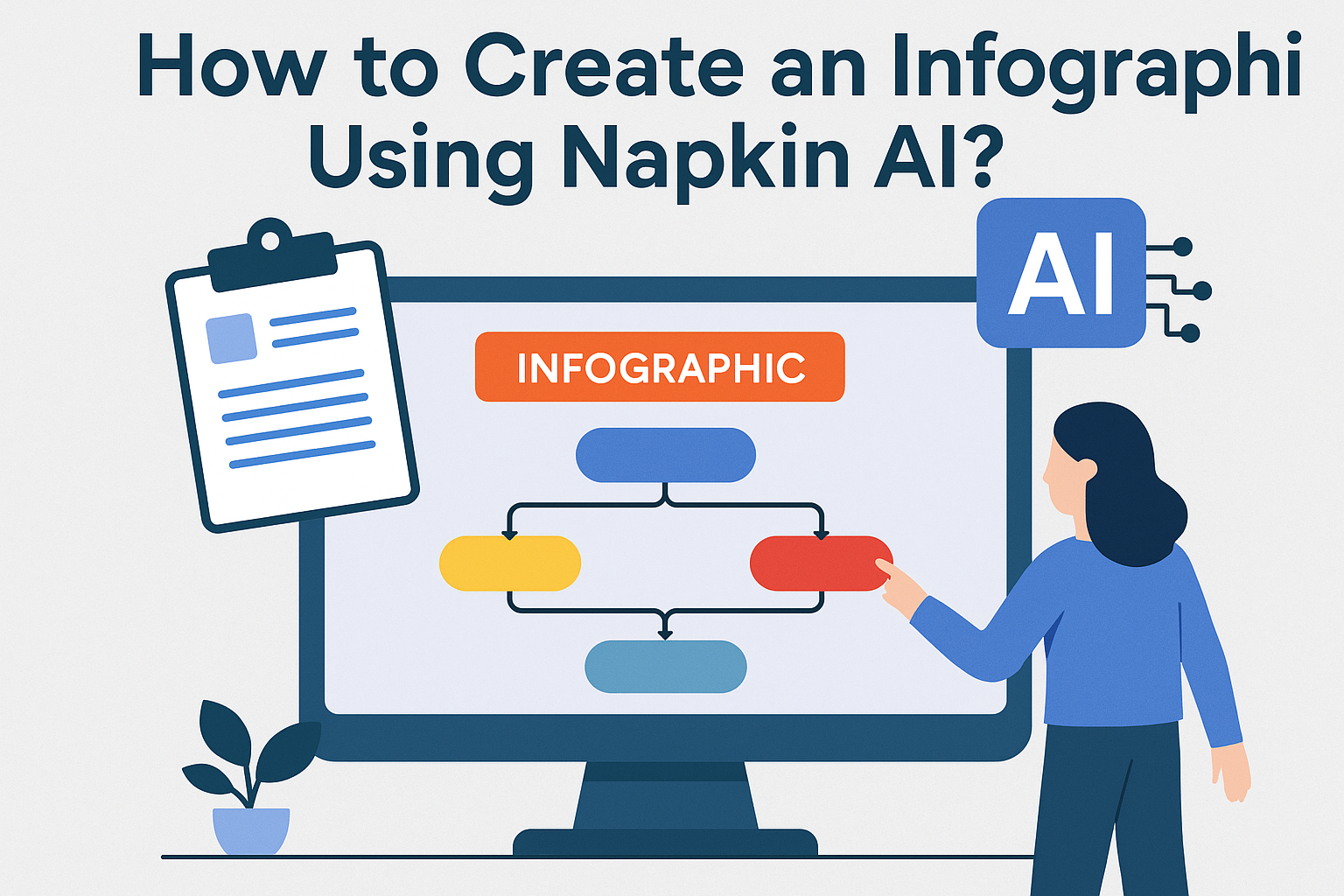
How to Create an Infographic Using Napkin AI
Step by Step Guide
This step by step framework will help beginners create professional visuals immediately.
Step 1: Open Napkin AI
Visit the Napkin AI website and create an account.
It takes less than one minute to set up.
Once inside, you will see a typing area that works like a chat interface.
Step 2: Type Your Main Topic
Start with a clear title.
Examples:
“Digital Marketing Funnel Infographic”
“Steps to Create a Podcast”
“Customer Journey Map for E Commerce”
Napkin AI will use this title to structure your visual.
Step 3: Add Key Points or Steps
An infographic requires structured information.
Add your main ideas as bullet points.
Example:
Define your goal
Identify your audience
Select your channels
Create content
Track performance
Napkin AI will convert these into organized blocks inside a clean infographic.
Step 4: Describe the Format You Want
You can ask Napkin AI for:
Flowchart
Mind map
Timeline
Hierarchy diagram
Process chart
Comparison chart
Cycle diagram
For example:
“Turn this into a flowchart infographic”
“Make a circular process infographic”
The more specific you are, the better your output will be.
Step 5: Generate the Infographic
Napkin AI instantly creates a clean visual infographic based on your request.
You can adjust the structure by typing new instructions like:
“Add color coding”
“Expand step 3”
“Add icons”
“Make this vertical”
This conversational editing style is what makes Napkin AI so user friendly.
Step 6: Export Your Infographic
You can export visuals as:
PNG
SVG
PDF
These formats work perfectly for:
Websites
Presentations
Pinterest
LinkedIn posts
YouTube scripts
Business proposals
You can also download high quality images for print.
Pro Tips for Creating Better Infographics with Napkin AI
Professionals use the following strategies to get better visual output.
Use short phrases
Long text blocks reduce infographic clarity.
Keep each point to a maximum of one line.
Include numbers
Numbers help readers understand sequence and priority.
Use verbs
Create, build, refine, analyse
Action words improve clarity.
Add examples
Infographics with examples help audiences understand concepts faster.
Use simplicity
Minimalism increases comprehension.
Napkin AI already follows this principle.
Real World Examples of Infographics Made with Napkin AI
Here are examples based on actual Napkin AI usage reported by users:
1. Marketing Strategy Flowchart
A marketing agency uses Napkin AI to produce client-ready strategy diagrams in less than 5 minutes.
2. Classroom Learning Sheets
Teachers generate visual worksheets showing cycles, grammar rules, biology processes, and historical timelines.
3. Software Architecture Diagrams
Developers use Napkin AI to illustrate:
API flows
Frontend backend communication
Database structures
Ideal for technical documentation.
4. Social Media Infographics
Content creators use Napkin AI to prepare simple visual posts for Pinterest, Instagram, and LinkedIn.
Technical Terms to Know When Using Napkin AI
To understand the design process better, here are some helpful terms:
Visual hierarchy
How important information is arranged visually.
Node
A single element or block in an infographic.
Connector
Lines that show relationships between nodes.
Layout optimization
How AI arranges blocks for visual clarity.
Diagrammatic language
The consistent style of shapes and spacing Napkin AI uses.
Common Mistakes to Avoid
Here are mistakes beginners often make:
Adding too much text
Using unclear titles
Requesting overly complex designs
Not reviewing the final structure
Forgetting to include key sections
If you avoid these, your infographic will look polished and professional.
Frequently Asked Questions about Napkin AI
1. Can I use Napkin AI for business presentations?
Yes. Many professionals use it for pitch decks, reports, training material, and strategy mapping.
2. Does Napkin AI replace graphic designers?
No. It assists with structure and clarity. Designers still add branding and detail.
3. Can I export high resolution visuals?
Yes. You can download in PNG, SVG, or PDF.
4. Is Napkin AI good for students?
Absolutely. Students use it for mind maps, study guides, revision charts, and project visuals.
5. Is Napkin AI free to use?
It offers both free and premium options.
6. Can I use Napkin AI visuals on social media?
Yes. Many creators share Napkin AI infographics on Pinterest, LinkedIn, X, and Instagram.
Conclusion
Napkin AI is one of the simplest and most efficient tools for creating clear, clean, structured infographics within seconds.
You only need to describe your content, and the tool handles the layout, spacing, and visual hierarchy for you.
Whether you are a student, entrepreneur, marketer, teacher, or content creator, Napkin AI helps you communicate ideas visually without spending hours designing diagrams manually.
If you want engaging visuals, faster workflows, and better communication, Napkin AI is an excellent tool worth adding to your digital toolkit.