High-quality images are no longer optional.
Whether you are running ads, managing an e-commerce store, publishing blogs, or handling client campaigns, visuals have a direct influence on clicks, trust, and conversions.
Blurry photos, low-resolution images, and poorly lit visuals quietly hurt performance.
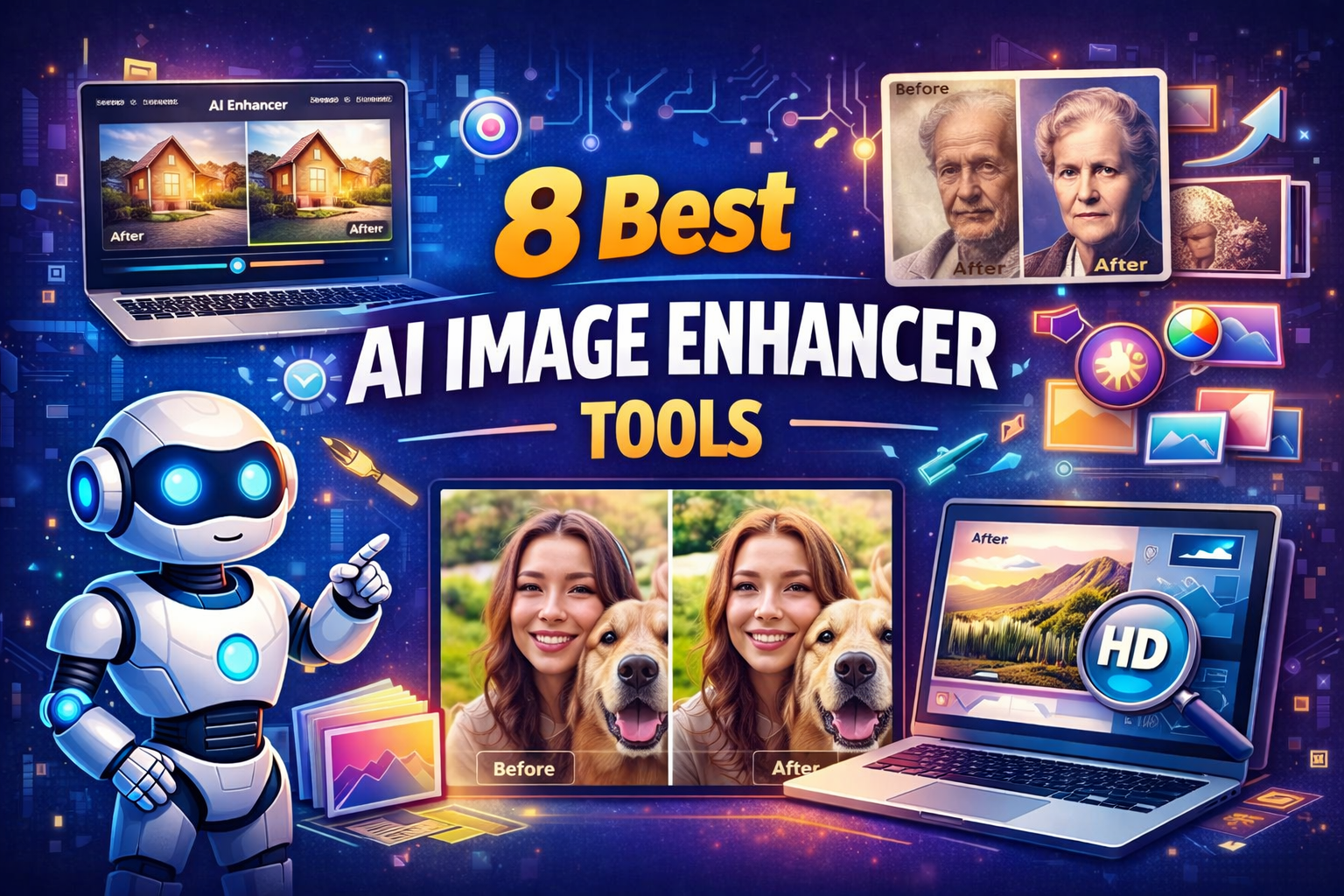
This is where AI Image Enhancer Tools make a measurable difference.
They help restore clarity, sharpen details, upscale resolution, correct colors, and remove noise without demanding advanced design skills.
This guide breaks down the 8 most reliable tools professionals actually use, how they work, and when each one makes sense.
You will also find expert insights, plain language explanations, and practical examples you can apply immediately.
Why Image Enhancement Matters More Than Ever
Images influence decisions faster than text.
According to Adobe research, content with strong visuals receives up to 94 percent more views than content without them.
Poor image quality reduces perceived credibility even if the product or message is strong.
AI image enhancement solves three real problems:
- Fixing low resolution images from older devices
- Preparing visuals for large screens, ads, and print
- Saving time compared to manual editing
As photography expert Scott Kelby once said:
“People forgive bad writing faster than they forgive bad images.”
That insight still holds true.
How AI Image Enhancement Works in Simple Terms
AI image enhancement uses trained models that study millions of high quality images.
When you upload a photo, the system predicts missing details and improves clarity based on learned patterns.
Key techniques include:
- Upscaling to increase resolution without pixel blur
- Denoising to remove grain and artifacts
- Sharpening to enhance edges and textures
- Color correction to balance light and tone
You do not need to understand the math to benefit from the results.
1. Topaz Labs Photo AI
What it does
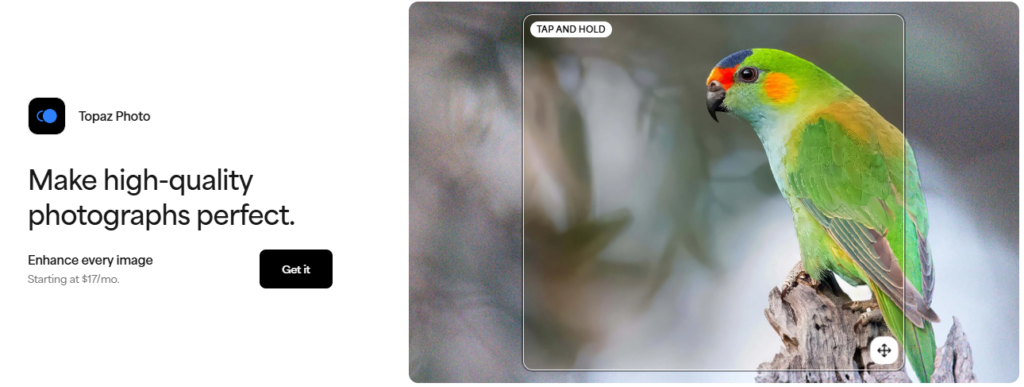
Topaz Photo AI focuses on image clarity, sharpness, and resolution enhancement.
Photographers, designers, and print professionals widely use it.
Key features
- Upscaling up to 6x without visible artifacts
- Intelligent noise removal
- Face recovery for portraits
- Batch processing support
Practical example
A photographer restores old wedding photos taken on early digital cameras.
After upscaling with Topaz, images are suitable for large prints without visible quality loss.
Best for
- Professional photographers
- Print and publishing work
- High resolution image recovery
2. Adobe Photoshop Neural Filters
What it does
Adobe integrates AI directly into Photoshop through Neural Filters and Enhance features.
These tools improve facial details, lighting, and sharpness with minimal effort.
Why professionals trust it
Adobe tools are deeply integrated into existing design workflows.
There is no need to export images to third party platforms.
Simple explanation
Instead of adjusting sliders manually, the AI predicts what looks natural and applies changes automatically.
Best for
- Designers already using Adobe products
- Marketing teams handling branded assets
- Creative professionals needing fine control
3. Remini
What it does
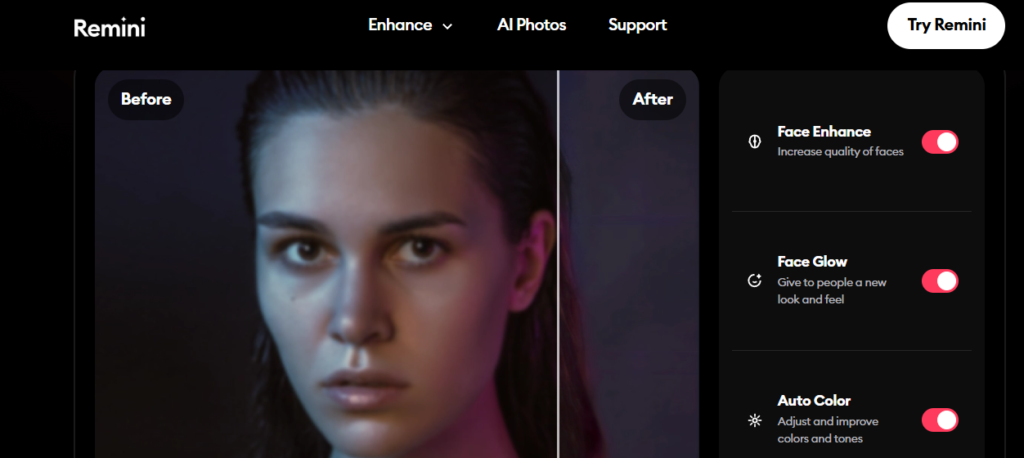
Remini specialises in restoring low-quality images and videos.
It is popular for enhancing old photos and mobile images.
Strengths
- Face detail reconstruction
- Fast cloud-based processing
- Works well on portraits and selfies
Real world use
Content creators restore old family photos for social media storytelling.
The AI adds detail that did not exist in the original file.
Best for
- Social media creators
- Personal photo restoration
- Mobile-first users
4. Let’s Enhance
What it does
Let’s Enhance focuses on upscaling images for ecommerce and web use.
It improves resolution while preserving textures and colors.
Why ecommerce brands use it
Product images need clarity for zoom views and large screens.
Let’s Enhance handles this without altering brand colors.
Supporting data
According to ecommerce UX studies, clear product images can increase conversion rates by up to 30 percent.
Best for
- Ecommerce stores
- Product catalogs
- Marketplace sellers
5. VanceAI
What it does
VanceAI offers a full suite of enhancement tools including sharpening, denoising, and background removal.
Everything works through a browser interface.
Key advantages
- No installation required
- Multiple enhancement options in one platform
- Supports bulk image processing
Example use case
A digital marketer enhances hundreds of ad creatives in one session instead of editing manually.
Best for
- Marketing teams
- Bulk image optimization
- Fast turnaround projects
6. Pixelcut
What it does
Pixelcut combines image enhancement with background removal and design tools.
It is especially popular among ecommerce sellers and social media marketers.
What makes it useful
- One-click enhancement
- Clean background removal
- Mobile-friendly interface
Simple explanation
Pixelcut turns basic product photos into ad-ready visuals in minutes.
Best for
- Shopify and Amazon sellers
- Social media ads
- Small business owners
7. Fotor AI Enhancer
What it does
Fotor provides an AI-based photo enhancer combined with basic editing tools.
It balances simplicity with flexibility.
Why beginners like it
You can enhance images without design experience.
The interface guides users step by step.
Best for
- Bloggers
- Website owners
- Beginners in photo editing
8. Upscayl
What it does
Upscayl is an open source AI image upscaler that runs locally on your computer.
It uses advanced models without cloud processing.
Why it stands out
- No image uploads to servers
- Completely free
- Strong upscaling performance
Consideration
Local processing requires a capable system for best results.
Best for
- Privacy-focused users
- Developers and designers
- Offline workflows
How to Choose the Right Image Enhancer
Before selecting a tool, ask these questions:
- Do I need high resolution print quality or web optimization
- Will I process images in bulk
- Is privacy a concern
- Do I prefer cloud-based or local tools
Testing two or three tools with the same image often reveals the best fit.
Common Technical Terms Explained Clearly
Upscaling
Increasing image resolution while preserving detail.
Denoising
Removing grain or visual noise from images.
Artifact
Unwanted distortions created during compression or enhancement.
Neural Model
A trained system that predicts missing visual details.
FAQs
1. Are AI image enhancers safe to use for client work?
Yes, most professional tools are widely used in commercial projects. Always check licensing terms.
2. Can AI tools fully replace manual photo editing?
They reduce workload but do not replace creative judgment or final refinements.
3. Do these tools work on old scanned photos?
Yes, many tools specialize in restoring scanned and low resolution images.
4. Is there quality loss when upscaling?
Good AI tools minimize loss by predicting realistic details.
5. Are free tools reliable?
Some free tools like Upscayl perform well, but paid tools often offer better consistency.
6. How long does image enhancement take?
Most tools process images in seconds to a few minutes.
7. Can AI improve lighting in photos?
Yes, several tools adjust brightness and contrast intelligently.
8. Which tool is best for e-commerce images?
Let’s Enhance and Pixelcut are widely used for product visuals.
Final Thoughts
Strong visuals build trust faster than words.
Used correctly, AI Image Enhancer Tools help businesses present their best version without expensive reshoots or complex editing.
They save time, protect brand quality, and improve visual performance across platforms.
The key is choosing the tool that matches your workflow and goals.
Once you do, image quality stops being a limitation and becomes an advantage.
About Author

Nancy Powell is an Expert in Automation with 12+ years of experience with global clients in the areas of Artificial Intelligence, Machine Learning, and Gen AI.