
AI powered visuals are becoming a normal part of modern branding.
Whether you are building a LinkedIn profile, preparing a presentation, or refreshing your portfolio, a professional headshot has a big impact.
But not everyone has the time or budget to hire a photographer.
This is where AI Headshot Generators offer a practical solution.
They turn simple selfies into studio grade portraits with clean lighting, natural expressions, and background refinements.
In this guide, you will learn what these tools do, how they work, and the 12 best AI Headshot Generators you can start using today.
The goal is to help you choose the right tool without confusion, technical jargon, or hype.
Experts say that a strong professional photo can improve online engagement by more than 60%, especially on business platforms like LinkedIn. A polished headshot builds trust before someone even reads your bio.
Let’s break everything down clearly and simply.
What Are AI Headshot Generators
AI Headshot Generators are online tools that use artificial intelligence to turn casual photos into polished portraits.
They work by analyzing your facial structure, lighting condition, skin tone, and background.
Then they apply professional adjustments such as smoothing, color balancing, backdrop changes, and framing.
Most tools allow you to upload 10 to 20 photos so the system can learn your features accurately.
With a good tool, the final result looks like a real photographer captured your photo in a studio setting.
Why People Use AI Headshot Generators
There are several strong reasons why AI driven headshots are trending in the USA, UK, and other countries.
Professional Appearance
Saves hundreds of dollars compared to studio sessions.
Accurate brand representation for resumes, websites, and online profiles.
Convenience
No need for lighting, makeup, or equipment.
Fast results within minutes or hours.
Customization
Choose different outfit styles, facial expressions, or backgrounds.
Fit your brand theme or job requirement.
Affordability
Pricing is lower than traditional photography.
Some tools offer free trials.
A recent survey from ResumeBuilder shows that more than 42% of job seekers used AI generated visuals in their professional profies in 2026. This adoption rate is expected to increase further.
12 Best AI Headshot Generators
Below are the most accurate, reliable, and widely used AI Headshot Generators available today. Each one has different strengths, pricing, and unique features.
1. Aragon AI
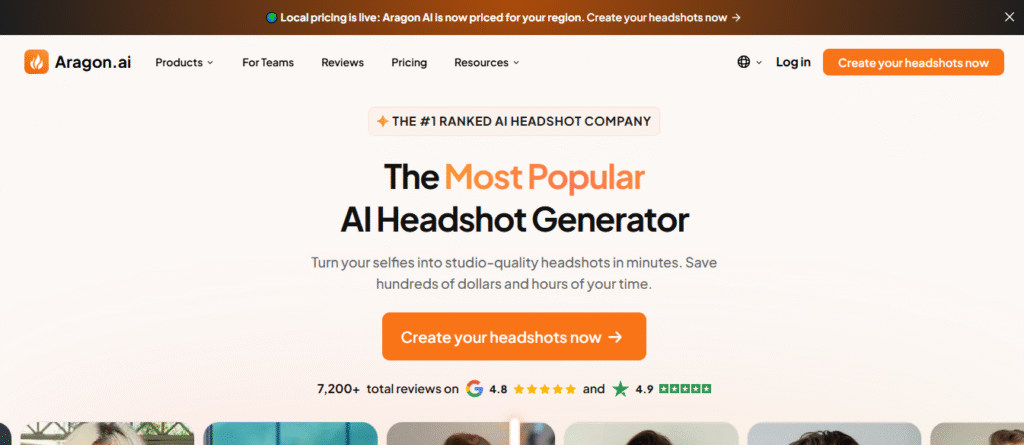
Aragon AI is extremely popular for corporate style portraits. It produces soft lighting, clean backgrounds, and sharp facial details.
Best For
Business professionals
Sales teams
Corporate resumes
Key Features
High quality realism
Multiple outfit styles
Fast delivery time
Upload Requirement
12 to 20 images recommended
2. Secta AI
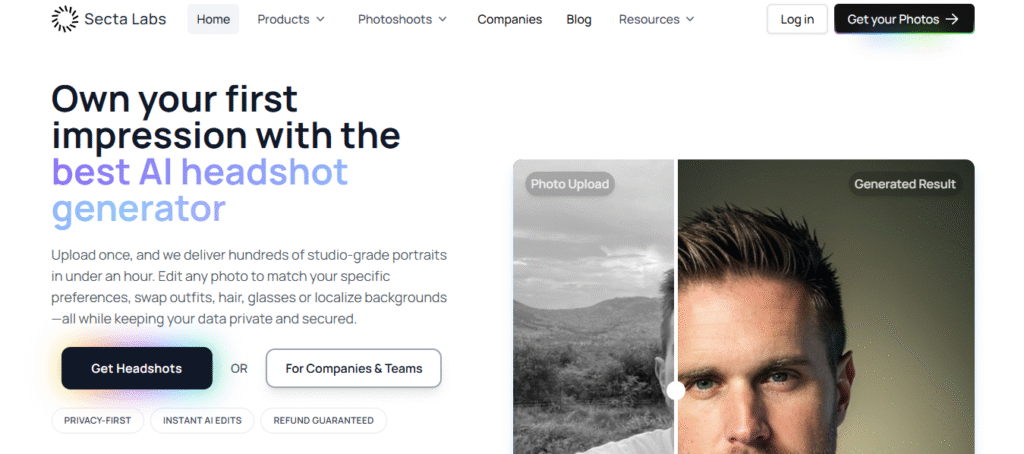
Secta AI is known for LinkedIn specific headshots. Many users love that it delivers natural expressions that look authentic instead of overly edited.
Best For
LinkedIn users
Freelancers
Consultants
Key Features
Highly realistic skin texture
Office and studio style backgrounds
Quick generation time
3. StudioShot AI
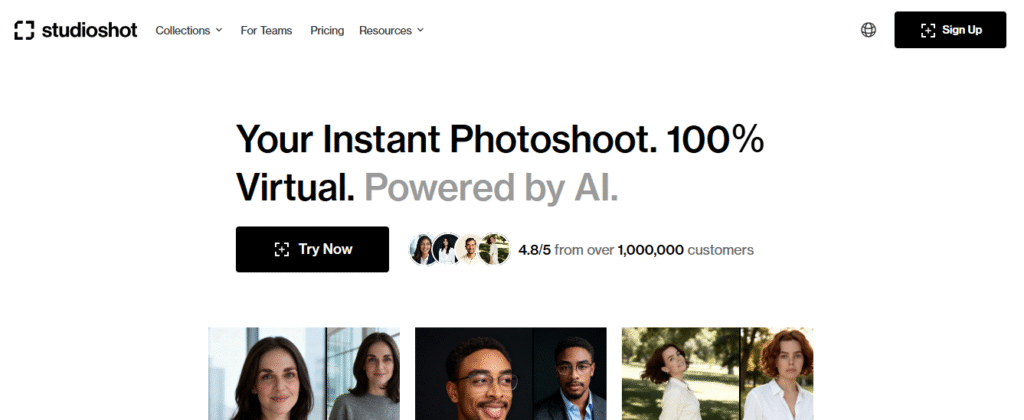
StudioShot AI uses a more advanced training model. It creates ultra realistic portraits that closely resemble real photography lighting.
Best For
Tech professionals
College graduates
Creative portfolio usage
Key Features
Detailed face mapping
Multiple lighting presets
Professional background settings
4. HeadshotPro
This tool is designed for teams and companies who need professional profiles for employees.
Best For
Business teams
Sales groups
Customer support staff
Key Features
Strong brand consistency
Batch creation options
Team profile editor
5. Fotor AI Headshot Generator
Fotor is simple and beginner friendly. It is great for users who need quick polished shots without complex steps.
Best For
Beginners
Students
Personal branding
Key Features
Simple editing tools
Background remover
Color correction
6. Media.io AI Headshot Maker
This tool has an easy drag and drop interface and produces clean images with minimal effort.
Best For
General users
Social media influencers
Key Features
Quick rendering
Studio style presets
Automatic face enhancement
7. PFPMaker
PFPMaker focuses on profile pictures for social platforms. It offers colorful, creative backgrounds.
Best For
Content creators
YouTubers
Influencers
Key Features
Unique styles
Cartoon and bold edits
Social media ready formats
8. Try It On AI
This tool offers extremely high realism with a heavy focus on natural expressions.
Best For
Actors
Models
Portfolio building
Key Features
Premium realism
Multiple style categories
Long but high quality processing time
9. Headshot AI by Canva
Canva added an AI headshot function that lets users edit photos directly inside the design environment.
Best For
Canva users
Marketers
Small business owners
Key Features
Fast editing
Plenty of templates
Flexible design workflow
10. AI Suit Up
As the name suggests, this tool generates portraits where users appear in formal outfits without needing real clothes.
Best For
Professionals needing corporate look
Job seekers
Key Features
Real looking suits
Office backgrounds
High clarity outputs
11. PhotoRoom AI Headshot
PhotoRoom excels at creating clean white backgrounds and crisp facial edits.
Best For
Ecommerce founders
Website profile images
Marketing staff
Key Features
White background optimization
High clarity resolution
Smart lighting
12. Human Generator AI
This tool can generate headshots from scratch using AI, even when users do not upload many images.
Best For
Creative projects
Experimental visuals
Marketing creatives
Key Features
AI generated humans
Custom expressions
Flexible styling
How to Choose the Best AI Headshot Generator
Here are some practical tips to make the right choice:
Match the Style with Your Career
Corporate roles prefer clean minimalistic backgrounds.
Creative fields can use colorful or bold styles.
Look at Sample Outputs
Choose a tool that matches your preferred lighting and expression style.
Check Data Security
Make sure the tool deletes photos after processing.
Test Several Tools
Most offer free samples or previews.
Compare which one looks most natural.
As one digital branding consultant puts it, “A professional headshot is not optional anymore. It is your first introduction before you speak a single word.”
Tips to Get the Best Results
Upload high resolution photos
Avoid blurry or low light images
Provide variety
Different angles help the AI learn your face better
Avoid heavy filters
They confuse the AI recognition system
Use plain backgrounds
Helps the model extract your facial details cleanly
Frequently Asked Questions
1. Are AI headshots safe to use
Most platforms delete uploaded photos after generating final images. Always check privacy policies.
2. How many photos should I upload
Tools recommend 10 to 20 pictures for best accuracy.
3. Can AI Headshot Generators be used for LinkedIn
Yes, many are designed specifically for corporate profiles.
4. Will the photos look fake
Quality varies by platform. Some tools produce extremely realistic results.
5. Can AI fix bad lighting
Yes, most tools enhance brightness, contrast, and shadows.
6. Are AI headshots accepted for official documents
No. Government IDs require real photographs.
7. Do AI headshots work for teams
Yes, tools like HeadshotPro generate consistent branding across teams.
8. How long does it take to generate headshots
Delivery can range from a few minutes to several hours depending on the platform.