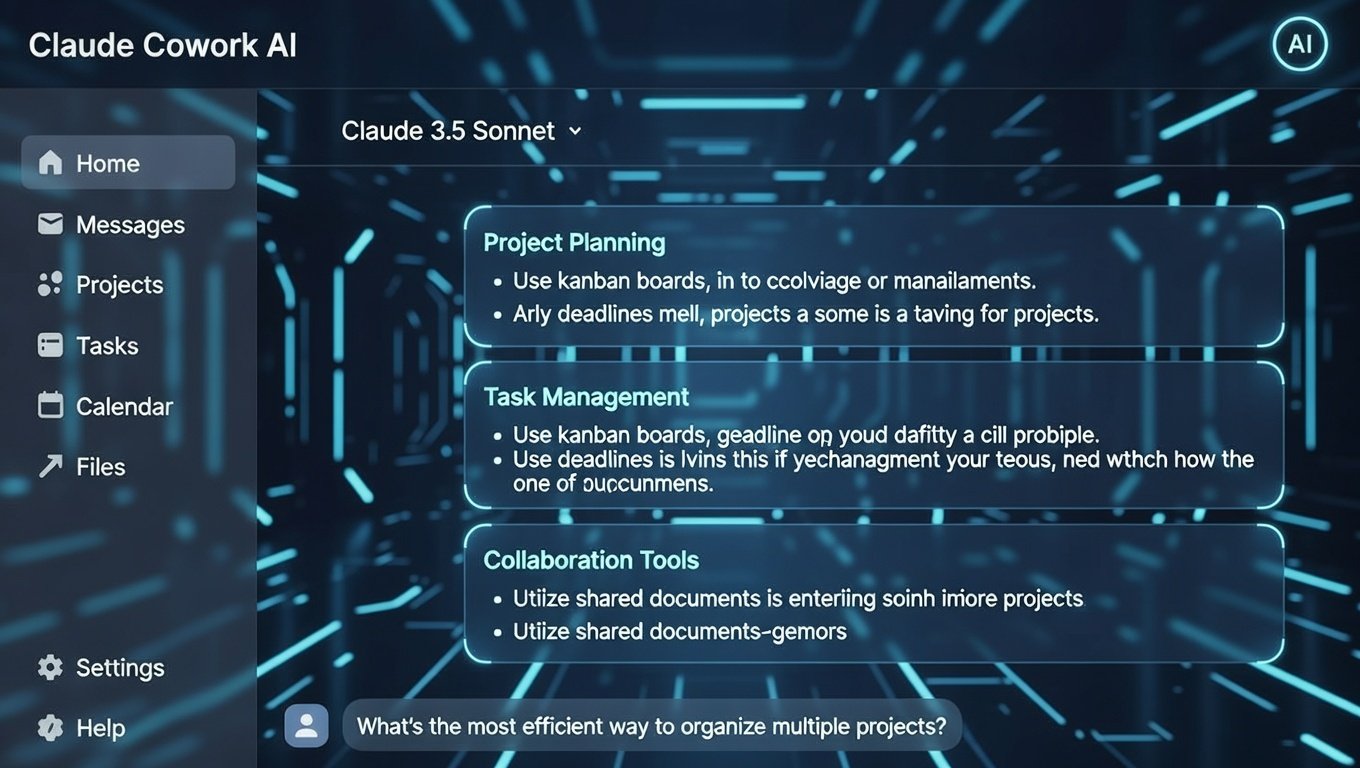
At its core, Claude Cowork is a specialised mode within the Claude Desktop application.
While standard Claude is great for brainstorming or drafting an email, this feature is designed for execution.
It uses the same underlying logic as “Claude Code,” but it is packaged for people who do not want to touch a terminal.
Think of it as a digital teammate with its own desk. You give it access to a specific folder on your computer, and it treats that folder as its workspace.
It can read the files inside, create new documents, edit existing ones, and even run code to process data without you needing to copy and paste anything.
Unlike a standard assistant, Claude Cowork is highly autonomous. You do not have to guide it through every micro step.
You define the goal, such as “organise these 50 messy spreadsheets into a single report” and it builds a plan, executes the steps, and lets you know when it is finished.
The Standout Features of Claude Cowork
What makes this tool different from the AI we have used over the last few years?
The difference lies in its ability to interact with your local system in a secure, intelligent way. Here are the primary features that define the experience.
1. Direct File System Integration
This is the most practical leap forward. Claude Cowork allows you to designate a specific local directory for the AI to manage.
Once granted permission, it can perform file-level operations like renaming, moving, and categorisation.
For instance, if you have a “Downloads” folder that looks like a digital junk drawer, you can simply tell the AI to sort everything by date and file type.
It does the manual clicking and dragging for you, saving an estimated 30 to 60 minutes of tedious work for every major cleanup session.
2. Autonomous Task Execution
In a standard chat, the AI waits for your next prompt. In Claude Cowork, the AI takes the wheel.
After you provide an objective, it breaks that goal down into sub-tasks.
It might start by reading three different PDFs, then move to creating a summary in a new Word document, and finally generate an Excel chart.
This “plan-and-execute” cycle is what makes it feel like a coworker rather than a tool.
You can literally step away from your desk to grab a coffee, and when you return, the work is sitting in your folder, ready for review.
3. Parallel Processing and Agent Teams
With the recent release of Claude Opus 4.6, the capabilities of Claude Cowork have expanded even further.
One of the most advanced features is the ability to run multiple sub-agents in parallel.
If you are working on a massive project, the system can spin up different “agents” to handle parts of the task simultaneously.
For example, one agent could be extracting data from invoices while another is drafting the cover letter for a financial report.
This parallel approach can lead to productivity gains of 25% to 100% for complex projects.
How It Works Under the Hood
You might be wondering how an AI can safely edit files on your computer. Security is a major pillar of the Claude Cowork architecture.
It does not just have “free rein” over your entire hard drive; it operates within a sandbox.
Technically, when you start a session, the system boots a custom Linux virtual machine (VM) using Apple’s Virtualisation Framework on macOS.
Your selected folder is “mounted” into this isolated environment.
This means the AI can see and edit what you have allowed, but it is physically blocked from touching your system files or private data outside that folder.
“Securing AI actions in the real world is the next frontier. By using isolated virtual machines, we ensure that the AI has the ‘hands’ to work without the risk of compromising the host system.” AI Security Insight, 2026.
According to 2026 industry benchmarks, Anthropic’s Opus 4.6 model, which powers these agents, now leads the industry in “economically valuable knowledge work,” outperforming previous models by nearly 190 Elo points in finance and legal reasoning tasks (Hindustan Times, 2026).
Real-World Use Cases for Professionals
Because Claude Cowork can handle both text and data execution, its utility spans across almost every department. Here are a few ways teams are currently utilising it to stay ahead of the curve.
Marketing and Content Teams
Marketing professionals use it to manage campaign launches. You can drop a folder full of raw interview transcripts and messy notes into the workspace.
The AI can then synthesise those into a formatted blog post, draft three social media captions, and create a spreadsheet tracking the content calendar.
Finance and Accounting
For those dealing with receipts and expenses, the tool is a lifesaver. You can provide a folder of receipt images, and Claude Cowork will use its vision capabilities to extract dates, vendors, and totals.
It then populates an Excel file with working formulas and even flags outliers that look like potential errors.
Project Managers
If you are managing a complex project with dozens of moving parts, you can ask the AI to “read all the project specs and generate a weekly status report.
It will scour your documents, identify what is finished and what is lagging, and create a polished update for your stakeholders.
Setting Up Your Workspace for Success
To get the most out of Claude Cowork, you should treat it like a new hire. It needs a clear space to work and clear instructions. A “messy” setup will lead to confusing results.
- Create a Dedicated Folder: Instead of giving access to your whole “Documents” folder, create one called “AI_Workspace.”
- Use an ‘Inbox’ Method: Drop new files into an “Incoming” sub-folder. Ask the AI to process them and move the finished versions to a “Completed” sub-folder.
- Save Your Workflows: If you find a set of instructions that works perfectly for your monthly reports, save those instructions as a
.txtfile in your folder. Next time, just tell Claude to “Follow the instructions inreport_process.txt.”
The Benefits of an “Agentic” Workflow
The shift toward Claude Cowork is about more than just speed. It is about reducing the “cognitive load” of your workday.
Most of us spend too much energy on the “logistics” of work rather than the “logic” of it.
By offloading the file management and data formatting to an agent, you free up your brain for high-level strategy.
You become the editor and the strategist, while the AI handles the mechanical execution. This is the essence of true human-AI collaboration.
Frequently Asked Questions
Is Claude Cowork available for Windows?
As of early 2026, the Cowork research preview is primarily optimised for macOS due to its reliance on specific virtualisation frameworks, though web-based integrations are expanding.
Do I need to know how to code to use it?
No. Unlike “Claude Code,” which uses a terminal, Cowork is designed with a user-friendly interface where you use natural English to assign tasks.
Is my data safe when using Claude Cowork?
Yes. The AI operates in a “sandbox” virtual machine. It can only access the specific folders you explicitly share with it and cannot see your other files.
How is this different from a regular Claude chat?
Regular chat is for talking and generating text. Cowork is for taking action it can create, move, and edit files directly on your computer.
Does it require a paid subscription?
Yes, Claude Cowork is currently a feature available for Pro, Max, Team, and Enterprise subscribers.
Can it use the internet to research?
Yes, it can use web connectors to gather information and integrate that data into the files it is creating for you.
Can Claude Cowork delete my files?
It can, but Anthropic has built-in safeguards. The AI requires explicit permission before it can permanently delete any file from your system.
Can it work with Excel and PowerPoint?
Absolutely. It can generate Excel files with functional formulas and create PowerPoint presentations based on your existing brand templates.
Conclusion
We are moving past the era where AI was just a “brain” in a box. With Claude Cowork, it now has “hands.”
This tool is a major step toward a world where your computer handles the busywork so you can focus on the work that actually matters.
Whether you are organising a massive library of research or building complex financial models, having an autonomous agent in your corner changes the math of productivity.
It builds trust through transparency and delivers value by actually completing the task, not just telling you how to do it.
About the Author

Nancy Powell is an AI Expert with 12+ Years of experience in AI projects.