Writing the perfect email often feels like a balancing act between speed and sincerity.
For years, we relied on static templates rigid blocks of text that saved time but often felt cold or irrelevant to the person on the receiving end.
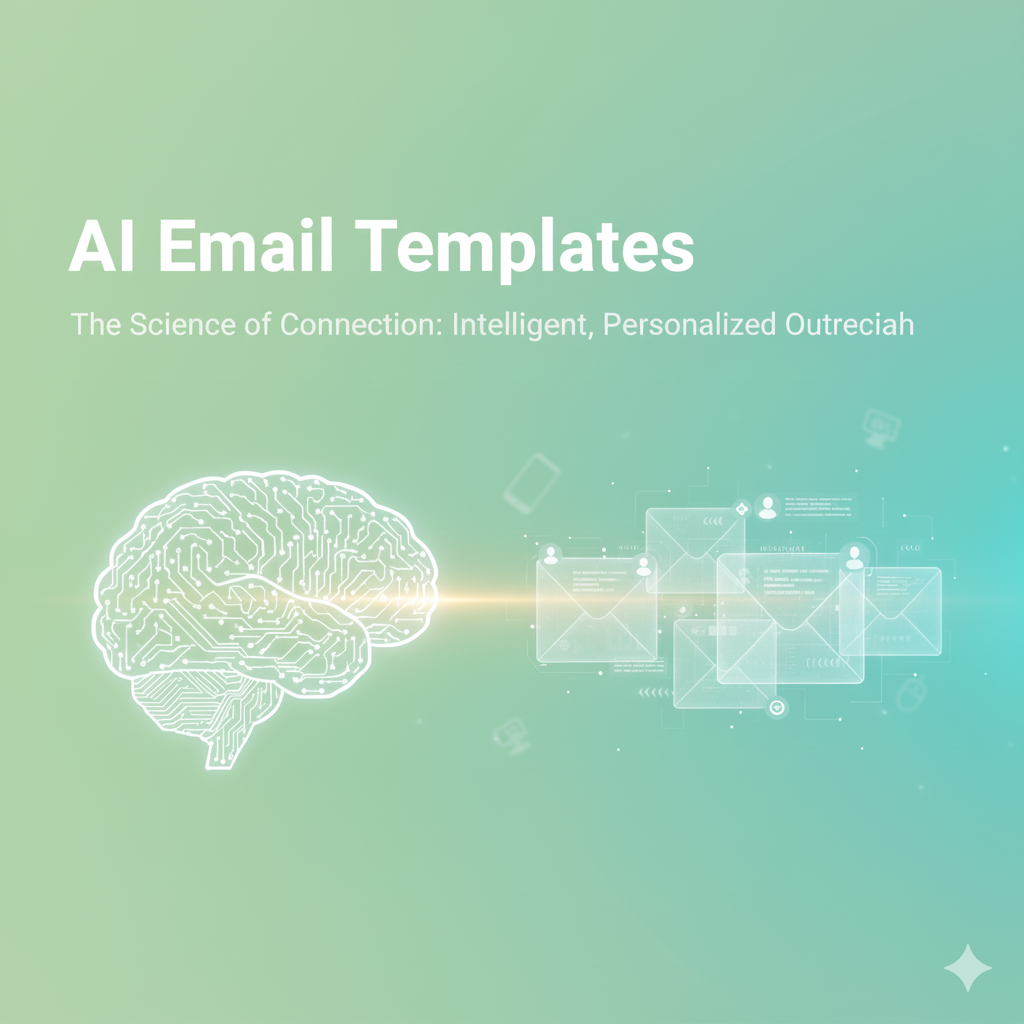
The shift toward AI Email Templates has changed that dynamic entirely.
Instead of a fixed script, these templates act as dynamic frameworks that adapt to the reader, the context, and the specific goal of the message.
They combine the efficiency of automation with a level of personalization that was once impossible at scale.
In this guide, we will break down what these templates are, how they work, and how you can use them to build stronger relationships with your audience without spending hours behind a keyboard.
What Are AI Email Templates Exactly?
At its simplest, an AI-powered email template is a pre-designed structure that uses artificial intelligence to generate, refine, or personalize its content.
Traditional templates are like a “fill in the blanks” form where you manually swap out names or dates.
In contrast, AI Email Marketing Templates use Large Language Models (LLMs) and Natural Language Processing (NLP) to understand who is receiving the email and why.
They can adjust the tone from professional to friendly, suggest better subject lines based on historical open rates, and even pull in specific product recommendations based on a customer’s past behavior.
Think of it as a living document that rewrites itself to be as effective as possible for every single recipient.
The Data Behind the Efficiency
The move toward AI in communication is backed by clear performance metrics that show a significant gap between static and intelligent outreach.
- Revenue Impact: Research indicates that AI-powered email campaigns can generate up to 320% higher revenue compared to traditional, non-automated approaches (Source: CrmOne, 2025).
- Engagement Levels: Automated and personalized campaigns see an average open rate of roughly 42.1%, nearly double the rate of generic broadcast emails (Source: Omnisend, 2023/2024).
- Conversion Boost: AI-driven personalization leads to a 41% rise in revenue and a 13% increase in click-through rates by delivering content that actually resonates with the user (Source: Adobe).
These numbers suggest that the value of AI is not just in saving time for the sender, but in providing a better, more relevant experience for the receiver.
“The true power of AI in email isn’t just about generating text; it’s about the ability to synthesize thousands of data points into a single, relevant sentence that makes the reader feel seen,” says Marcus Chen, a lead strategist in marketing automation.
How AI Email Templates Work: A Simple Breakdown
To understand how these templates function, we need to look at the three main components that make them “smart.”
1. The Design Engine
Unlike a static HTML file, the design engine of an AI template can adjust layouts based on the content length or the device being used.
It ensures that whether someone opens your email on a 27-inch monitor or a 5-inch smartphone, the visual hierarchy remains perfect.
2. Natural Language Generation (NLG)
This is the “brain” of the template. NLG allows the system to take a set of instructions such as “write a follow up for a demo” and turn it into a coherent, persuasive message.
It doesn’t just copy-paste; it builds sentences that flow naturally and adhere to your specific brand voice.
3. Personalization Tokens and Logic
Standard templates use simple tokens like {{first_name}}.
AI templates use “logic-based” tokens. If a user has visited your pricing page three times but hasn’t bought anything, the AI logic can trigger a specific discount block within the template automatically.
Step-by-Step: Creating Your First AI-Enhanced Campaign
Setting up AI Email Templates doesn’t require a degree in computer science. Most modern platforms have made the process incredibly intuitive.
Step 1: Define the Objective and Audience
Before touching any AI tool, you must know what you want to achieve. Are you welcoming a new subscriber or trying to win back a customer who hasn’t logged in for months?
The AI needs this context to choose the right vocabulary and urgency level for the message.
Step 2: Input Your Brand “DNA”
For the AI to sound like you, it needs reference material. You can upload previous successful emails, brand style guides, or even a list of words you prefer to avoid.
This ensures the generated content feels authentic to your business rather than sounding like a generic robot.
Step 3: Use Prompt-Based Design
Many tools now allow you to “talk” your template into existence. You might type: “Create a minimalist newsletter layout with a header, three product blocks, and a bold call to action at the bottom.”
The AI then generates the HTML and CSS structure for you instantly.
Step 4: Refine and Humanize
This is the most critical step. AI provides the foundation, but a human expert provides the finishing touch.
Read through the generated draft to ensure the “experience” matches the “expertise.” Add a specific detail about a recent company event or a personal note that only you could know.
Why Trusting AI Templates is Safe for Your Brand
A common concern is that using AI will make a brand feel “fake” or “automated.” However, when used correctly, the opposite is true.
Because AI can handle the repetitive parts of writing like formatting and basic data entry it leaves the human writer with more time to focus on the high-level strategy and emotional resonance of the message.
It serves as a sophisticated assistant that keeps you consistent.
If you have 10,000 customers, you cannot possibly write a unique personal note to all of them every week. AI allows you to maintain that personal touch at a scale that was previously impossible.
The Difference Between Personalization and Segmentation
It is easy to get these two terms confused, but in the context of AI, the distinction is vital.
Segmentation is about groups. You might have a “New York” segment or a “Managers” segment. You send the same template to everyone in that bucket.
Personalization is about the individual. Even within the “Managers” segment, one person might care about ROI, while another cares about team productivity.
AI templates bridge this gap by allowing you to segment your audience and then hyper-personalize the message within that segment based on individual interactions.
Best Practices for 2026 and Beyond
To get the most out of your intelligent templates, follow these professional guidelines:
- Always Preview on Mobile: Since over 59% of users check email on their phones, your AI-generated layouts must be responsive.
- Test Your Subject Lines: Use AI to generate five variations of a subject line and run a small A/B test before sending the full campaign.
- Keep Data Clean: An AI is only as good as the data it has access to. Ensure your CRM is updated so the AI doesn’t reference old or incorrect information.
- Be Transparent: In some industries, being open about using AI to help tailor the experience can actually build trust with tech-savvy audiences.
Frequently Asked Questions
1. Are AI email templates different from ChatGPT?
Yes. While ChatGPT can write text, an AI email template is a full system that includes the design layout, the data integration (like your customer’s name and history), and the automation triggers that send the email at the right time.
2. Will these emails end up in the spam folder?
Not if they are high quality. Spam filters look for “spammy” patterns and low engagement. Because AI templates create more relevant content, they often have higher engagement rates, which actually improves your sender reputation.
3. Can I use my own brand colors and fonts?
Absolutely. Most AI template designers allow you to set a “Brand Kit” that includes your specific HEX codes and typography so that every generated email remains visually consistent.
4. How much time can I really save?
Marketing teams have reported saving over 75 hours a month by using AI to handle the drafting and formatting of recurring newsletters and sales sequences.
5. Do I need to know how to code HTML?
No. Most modern AI email tools use a no-code interface. You can describe what you want in plain English, and the tool builds the underlying code for you.
6. Is my customer data safe with AI?
Reputable AI email platforms prioritize data privacy and are compliant with regulations like GDPR. Always check the security settings of a tool before integrating your customer database.
7. Can AI templates handle different languages?
Yes, one of the greatest strengths of AI is its ability to translate and localize content. It can adapt your message for different regions while maintaining the same core tone and brand voice.
8. What is the best way to start?
Start small. Choose one high-traffic email, like your “Welcome” message, and create an AI version of it. Compare the performance against your old static version to see the impact firsthand.
Conclusion
The evolution of AI Email Templates represents a shift from “sending mail” to “building conversations.”
By leveraging machine learning to handle the heavy lifting of design and drafting, you can focus on what truly matters: the strategy and the relationships behind the screen.
It is about being more human, not less. When your messages are timely, relevant, and helpful, your audience responds with their attention and their trust.
Would you like me to help you draft a specific prompt to create an AI email template for your next marketing campaign?